WHAT IS FLUID ?
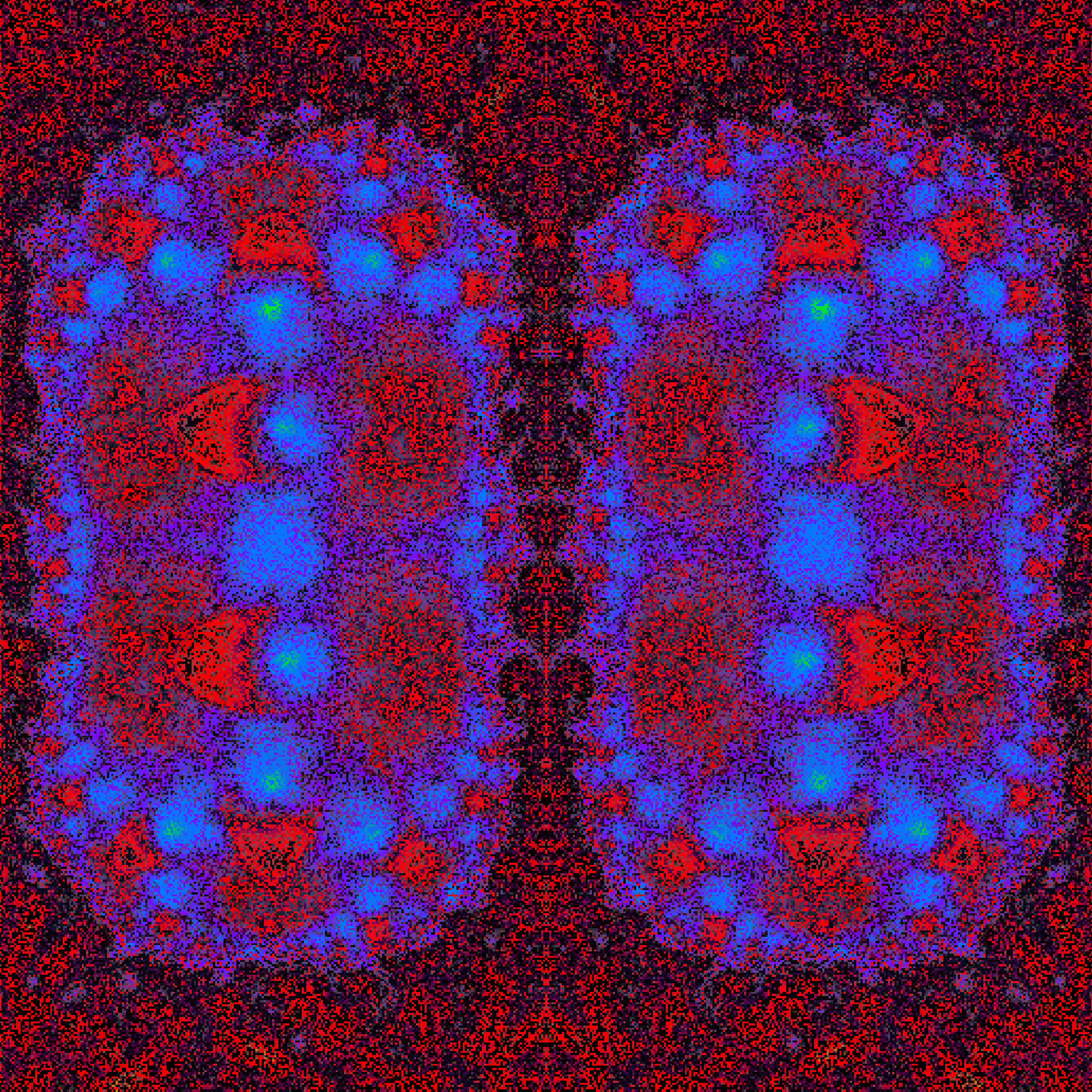
Fluid is a generative collection of 333 interactive digital fluid works by Abidartt.
The project explores the tension between control and chance: liquid motion, color chemistry, cellular structures, and luminous digital surfaces are continuously recomposed through code. Each piece begins from a deterministic hash, then unfolds as a living surface of movement, turbulence, pressure, and light
Fluid is inspired by the behavior of paint, water, heat, and organic matter, but it is not a simulation of a physical material. It is a digital fluid system: a space where color acts like energy, motion behaves like memory, and every token becomes a unique state of the same living engine.
THE GENERATOR :
Each output is generated from the token hash. The hash defines the initial palette, color mix, tone, structure, flow mode, and starting turbulence of the work
The generator uses a real-time WebGL shader built in p5.js. Instead of drawing fixed shapes, the system builds a liquid surface from layered noise, warped coordinates, cellular patterns, contour-like veins, and color interpolation. These layers interact to create fluid forms that feel painterly, organic, and digital at the same time
Every token starts in a calm turbulence range, allowing the work to reveal itself slowly before the collector begins interacting with it.
THE FLUID SYSTEM :
The fluid system is the visual space where each work takes form.
Colors move like substances mixing under pressure. Some works are silky and quiet, some are brighter and more electric, and others contain stronger color mixing or deeper flow structures. The collection uses a broad range of palettes so that each output can carry its own atmosphere while still belonging to the same visual language.
The motion is not simply decorative. It is part of the artwork's structure. As the system moves, hidden relationships between color, turbulence, and form become visible.
INTERACTION :
Fluid is best experienced live.
Move the mouse or touch the screen to bend the liquid surface.
Drag to push the liquid surface with a smooth liquify effect.
Click or tap to send a soft shockwave through the work.
Ctrl + click creates a cellular burst.
Double-click creates a temporary color bloom.
Use the mouse wheel to increase or decrease turbulence.
Use Shift + mouse wheel to control the amount of veins.
Press 1, 2, or 3 to move between Silky, Marble, and Storm flow modes.
Press L to shuffle the live shader seed.
Press Space to freeze or unfreeze the motion.
Press R to reset the interaction.
These interactions affect the live view only. The token's initial traits remain determined by the hash.

![Open Close [test output]](https://res.cloudinary.com/art-blocks/image/fetch/f_auto,c_limit,w_3840,q_auto/https%3A%2F%2Fmedia-proxy.staging.artblocks.io%2F11155111%2F0xade9df7d1f38299b26266af80c9679d97dd1f0cc%2F3000012.png%3Ft%3D1712054094)